
How it works
One job, from the first quote to the last payment.
Seven steps, shown on real screens from the app.
30 days with no PhaseContract fee. Card and bank processing fees still apply.
Follow one job
-
Step 1
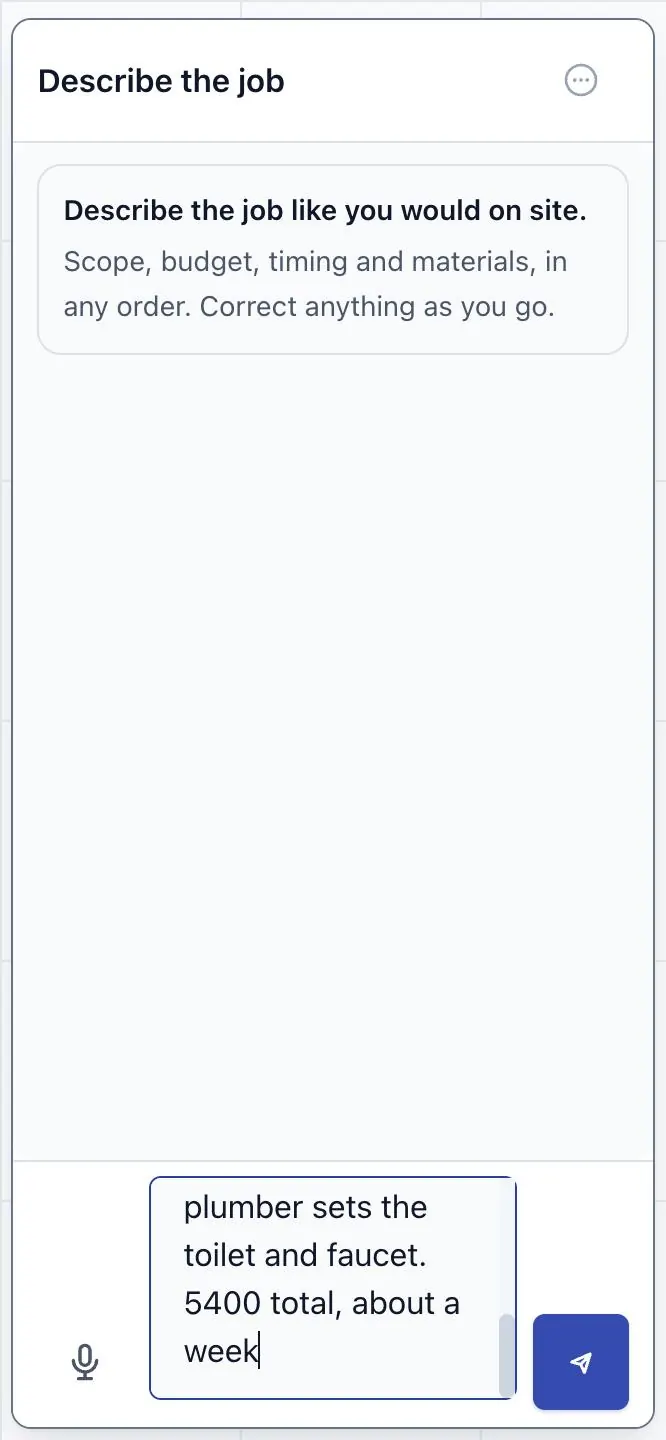
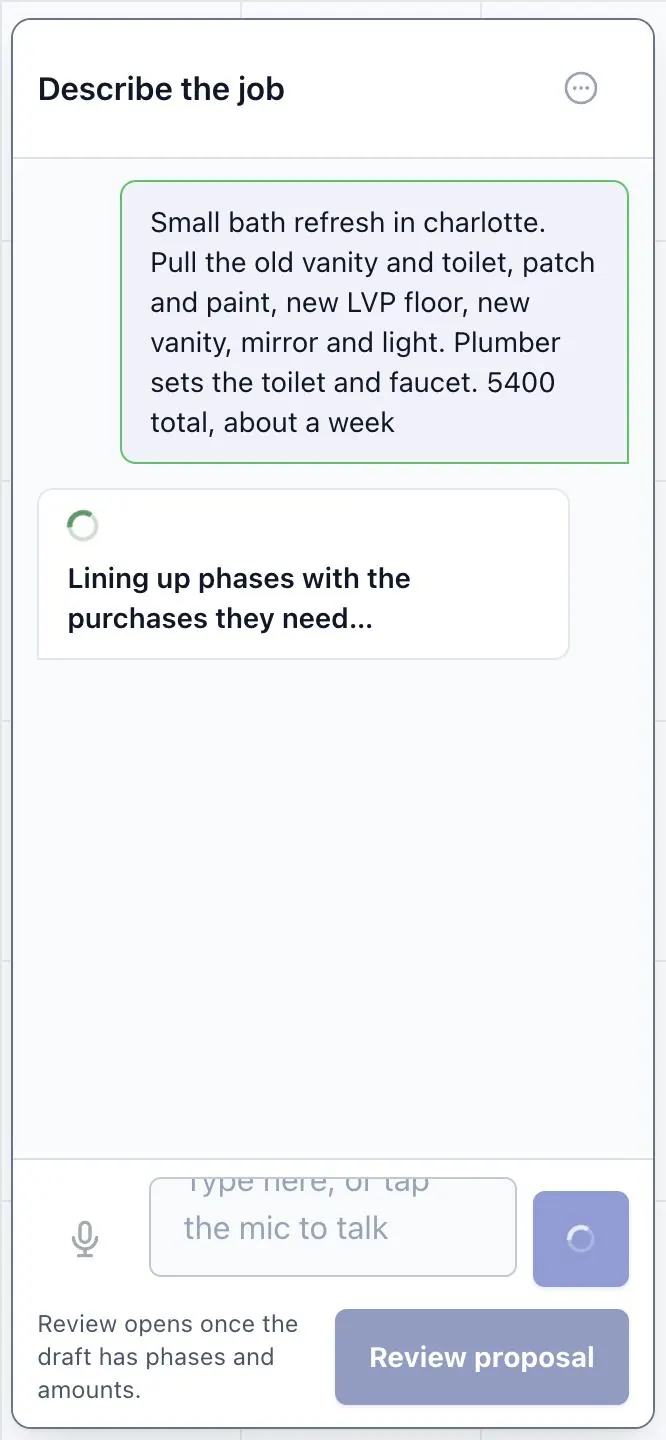
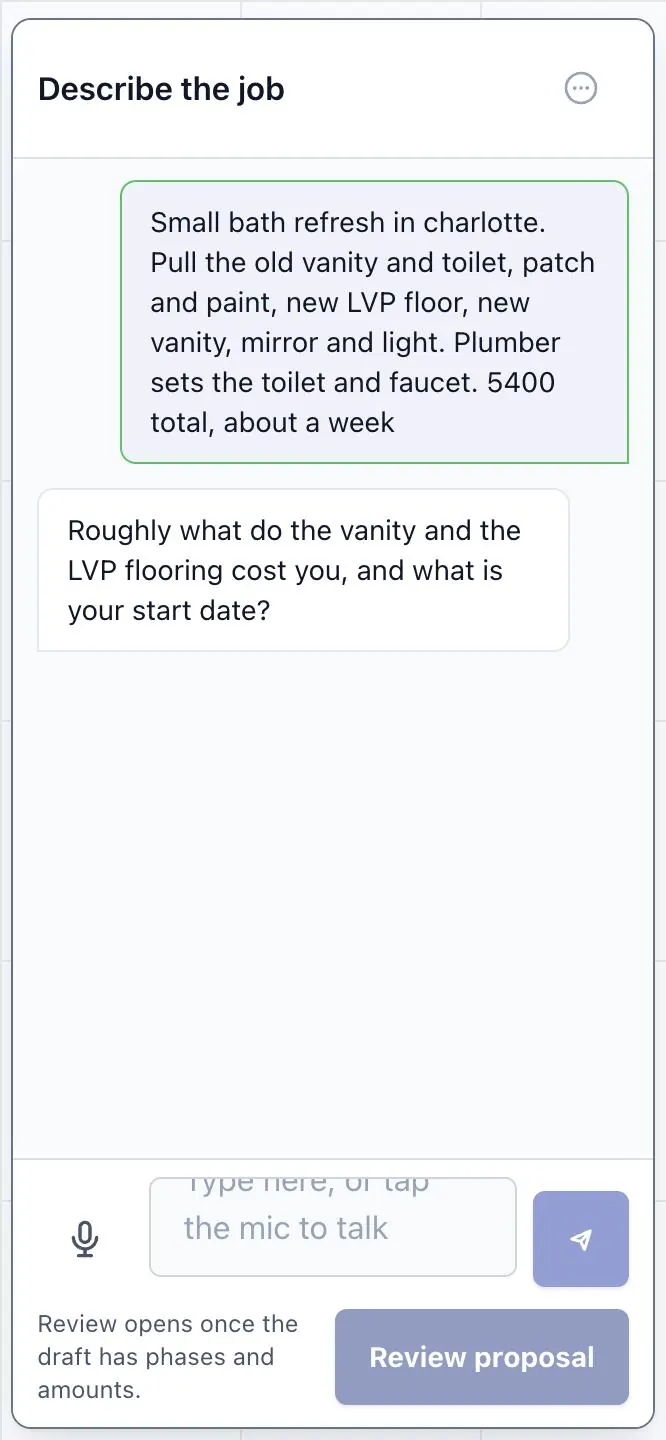
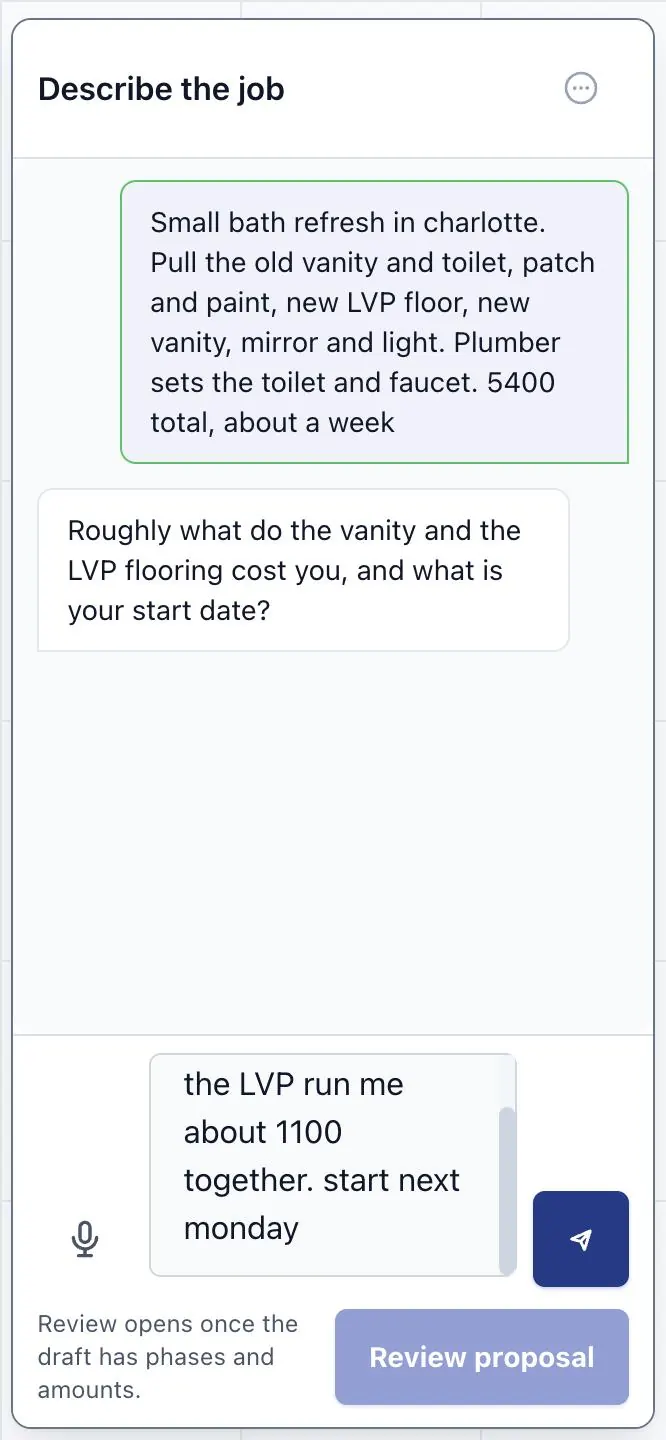
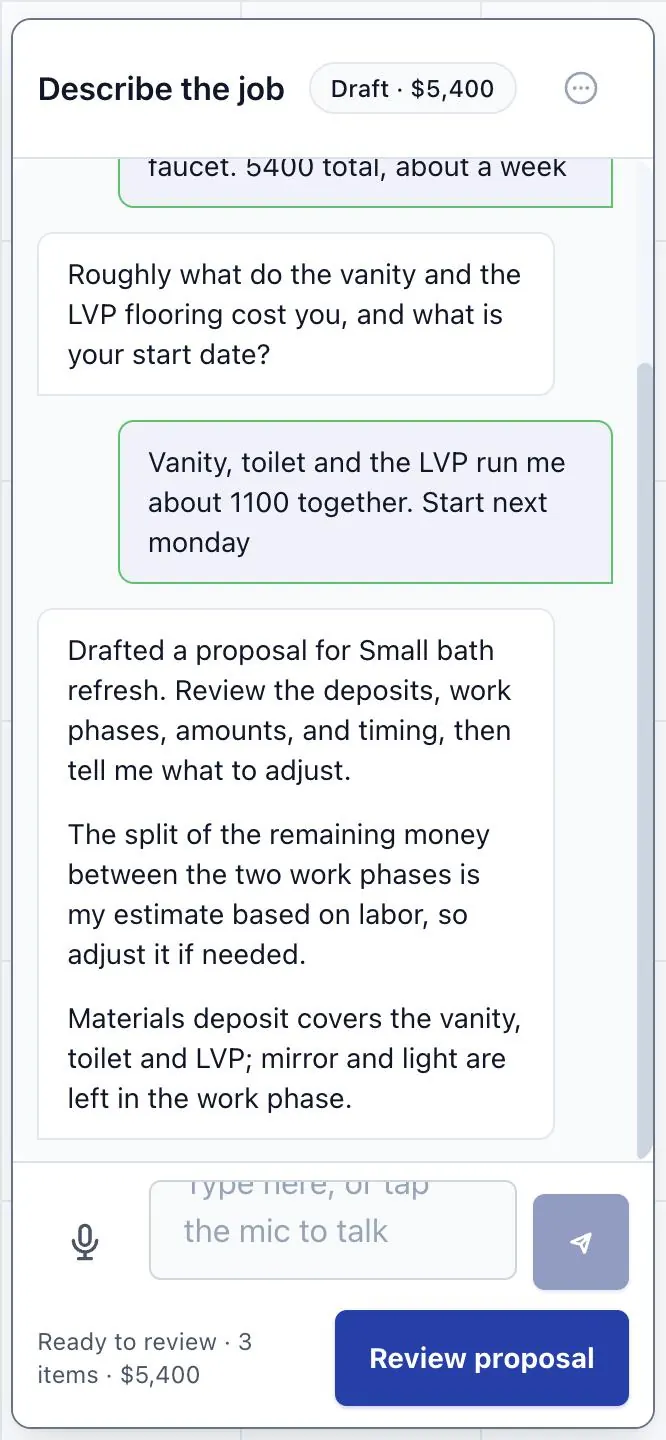
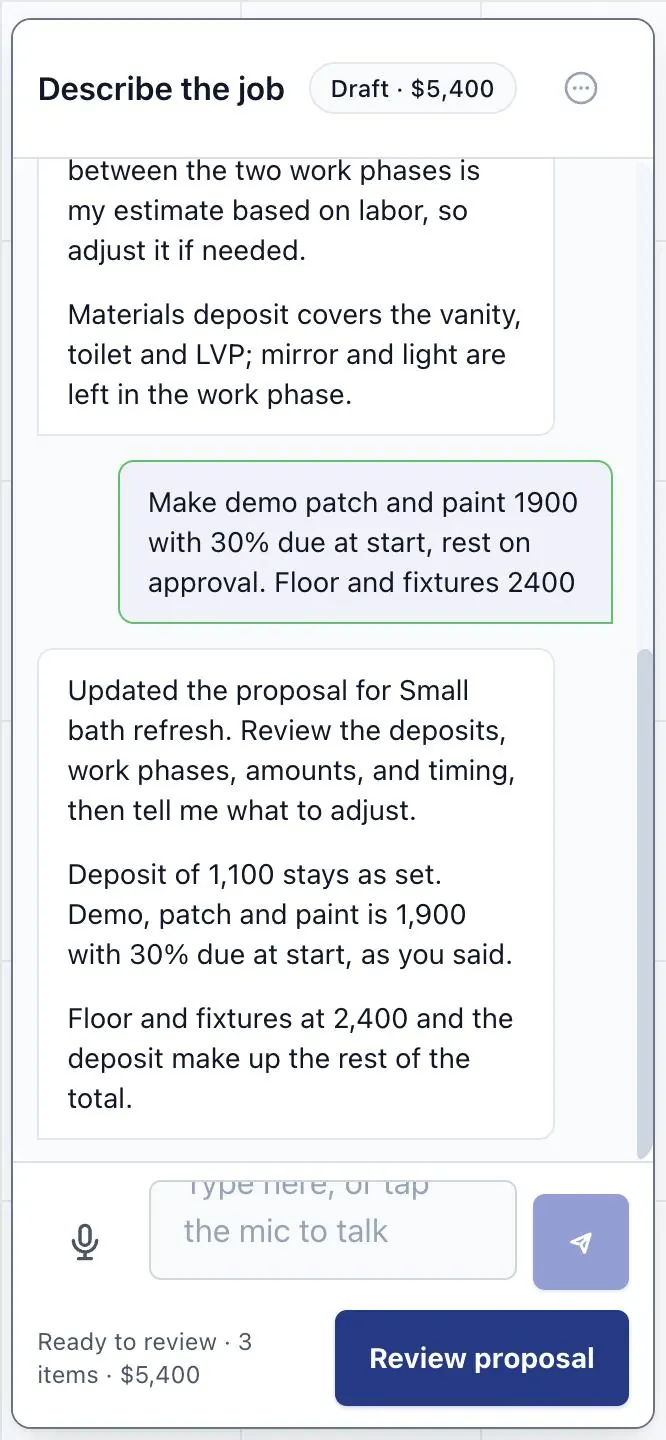
Describe the job the way you would say it on site.
Talk or type. The app drafts the deposits, the phases and when each one is paid. You change anything before it goes out.

Your phone Example job
-
Step 2
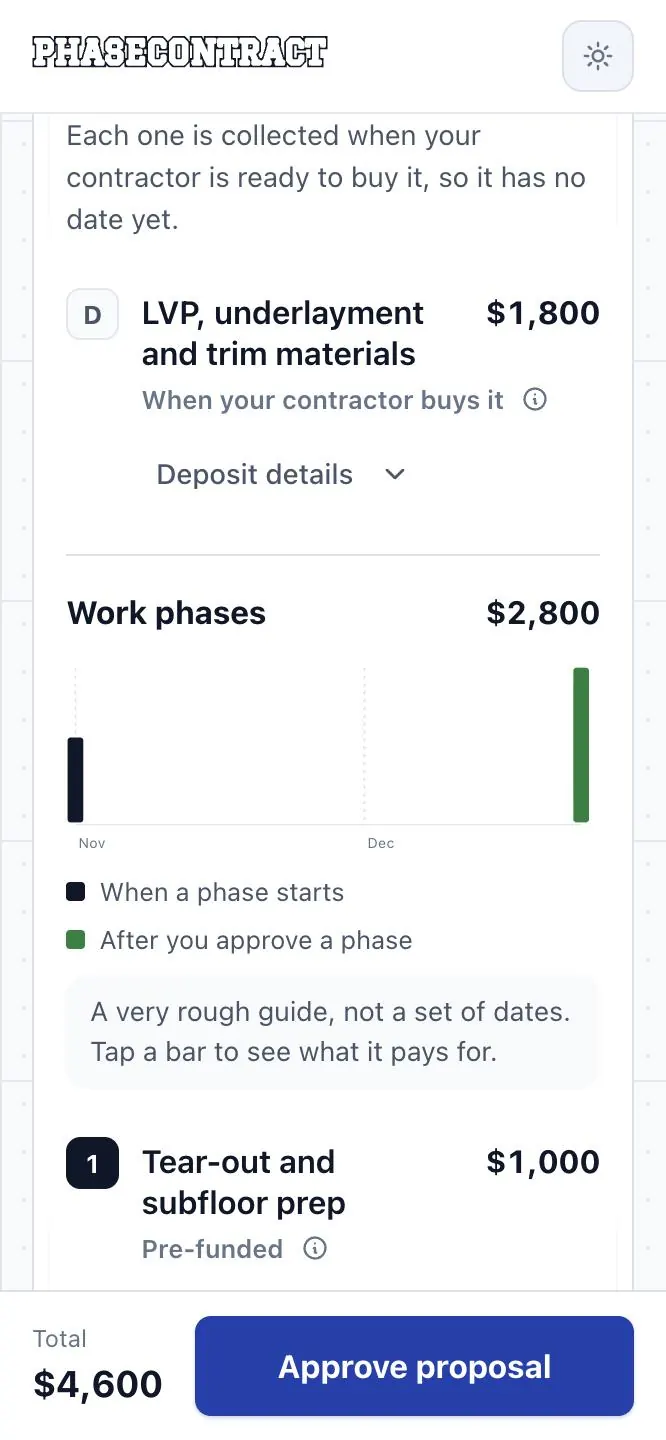
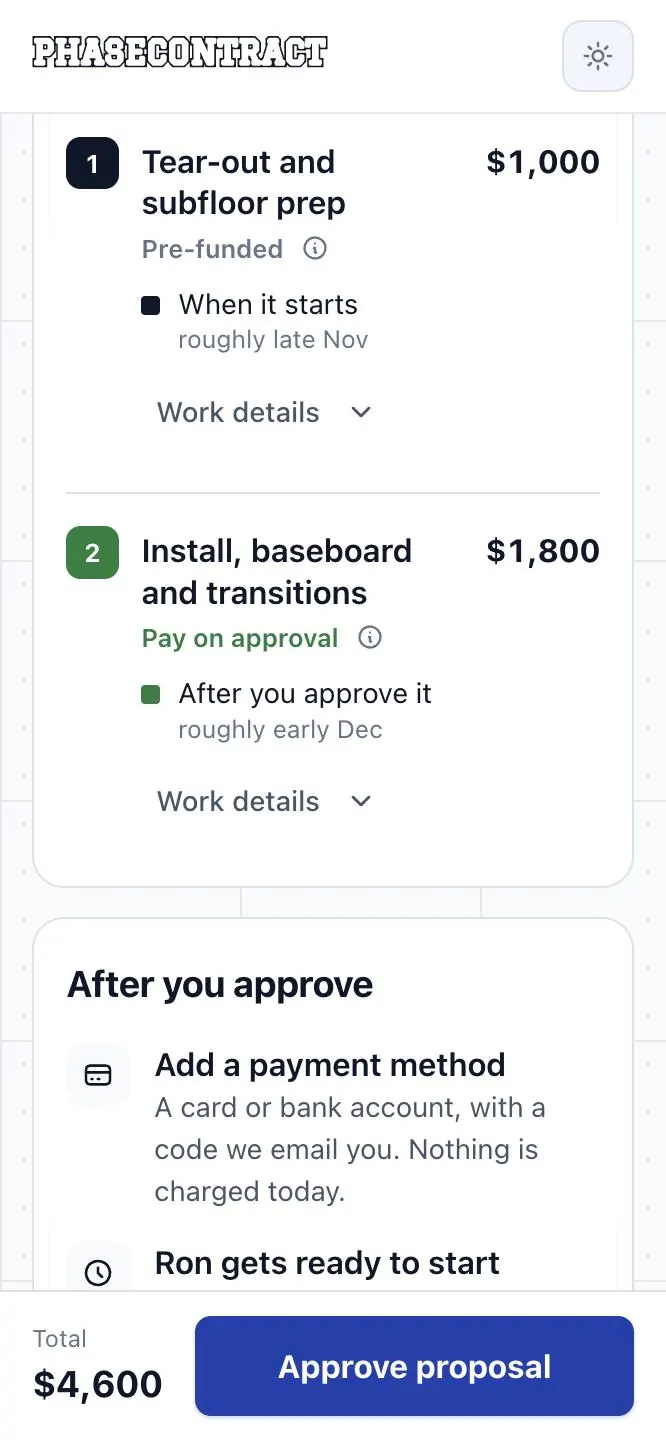
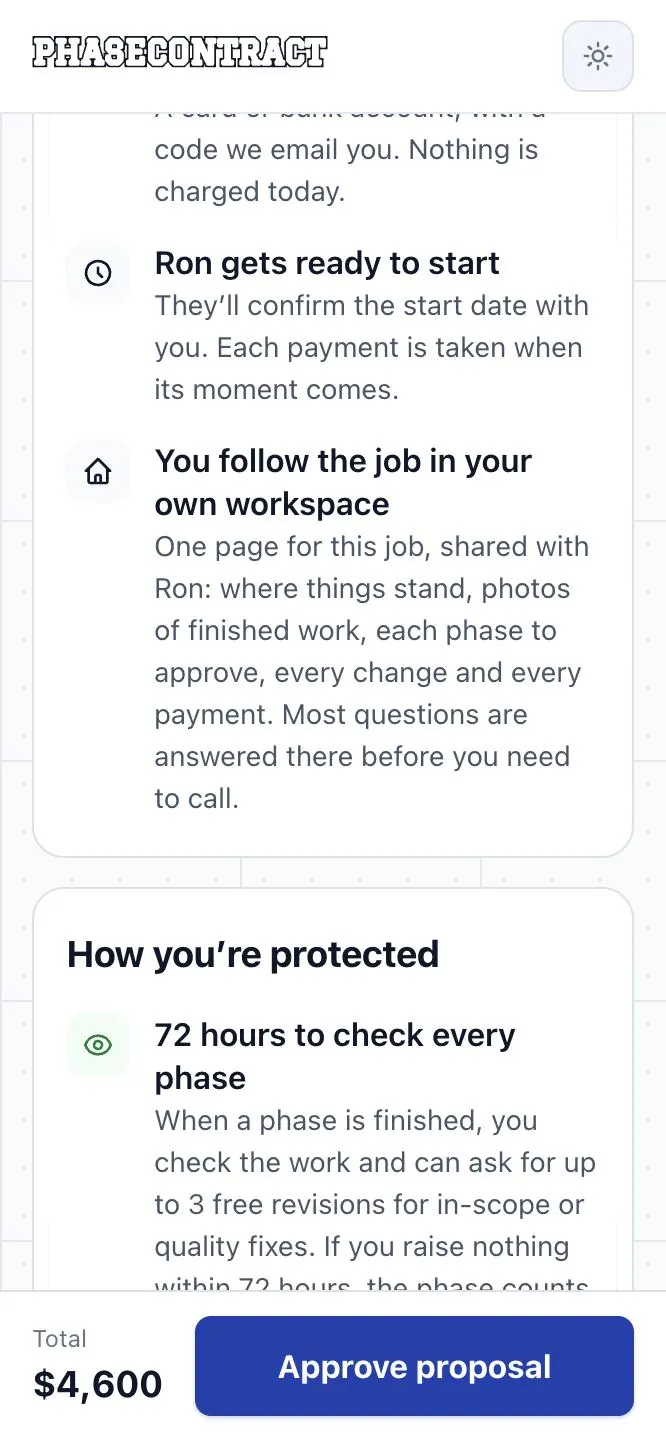
Your client sees the whole job and says yes once.
Each part, its price and when it is paid, on one page. They approve it with their Credit Card or Bank Transfer. Approving charges nothing.

Your client’s phone Example job
-
Step 3
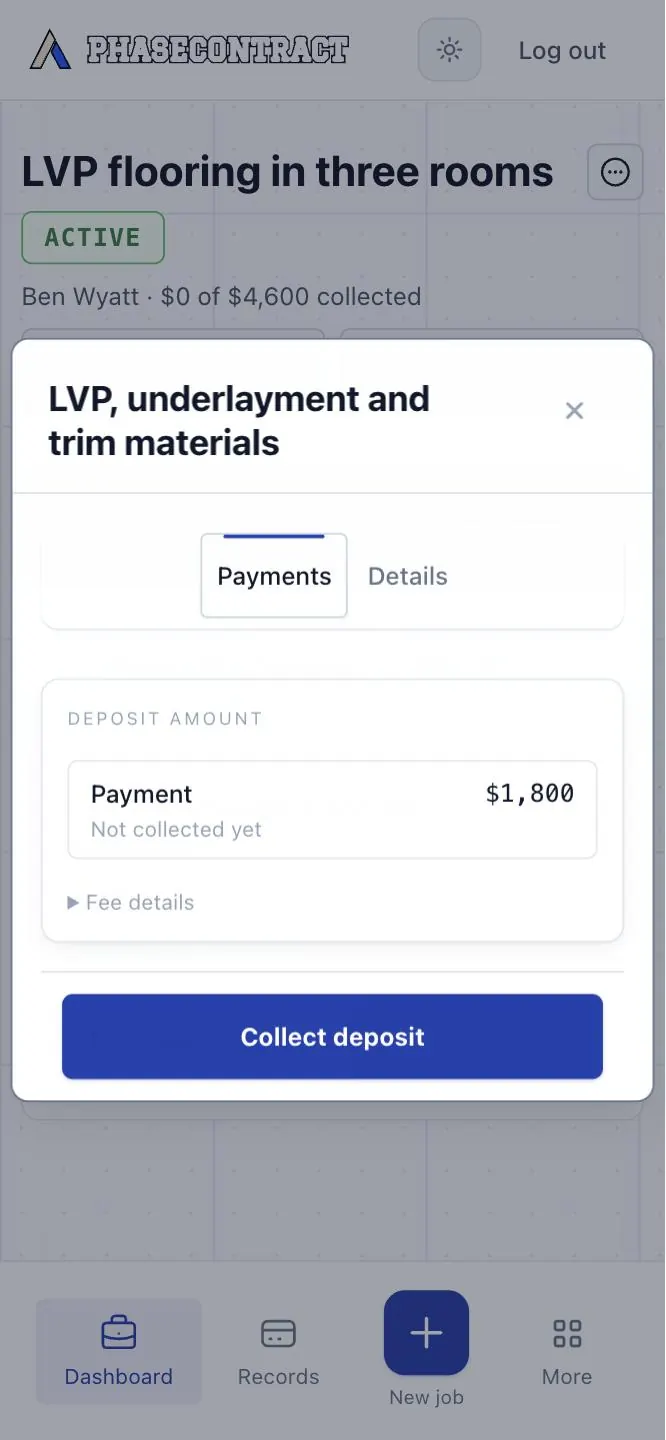
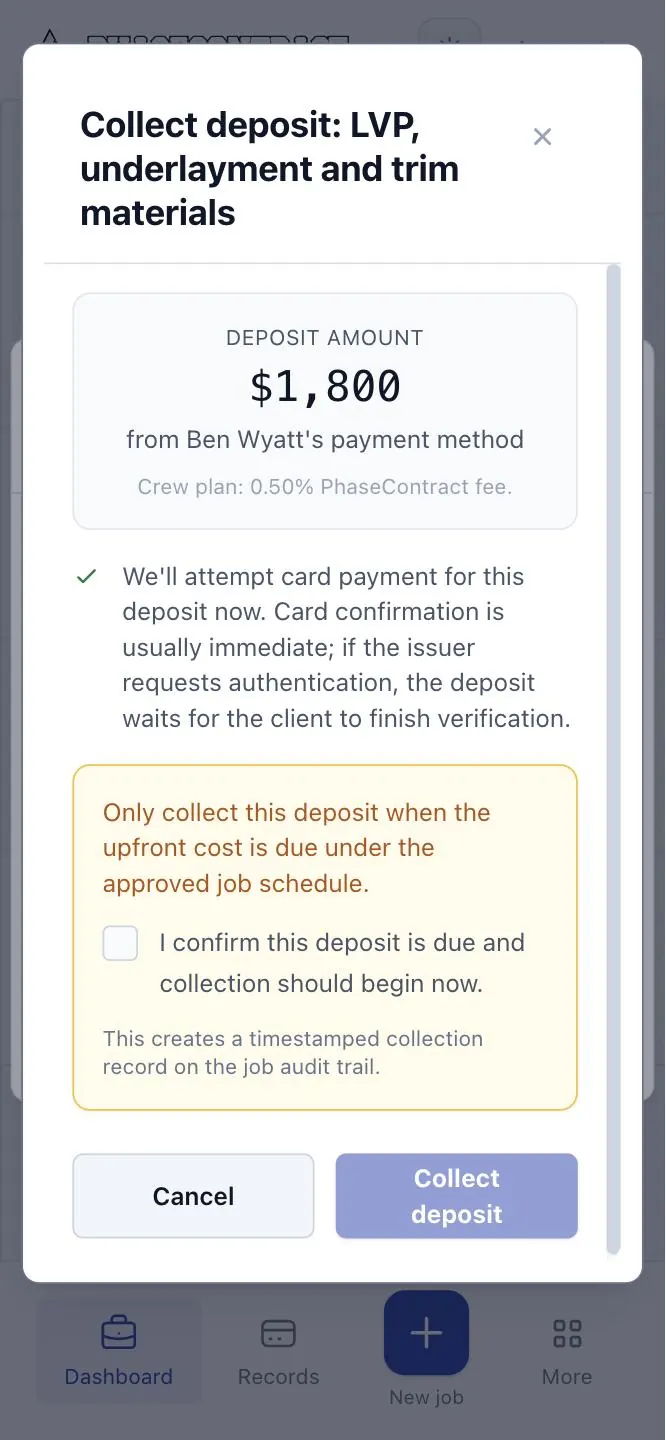
Buying materials? Collect that deposit first.
Each deposit is named for what it buys. When you are ready to order, you tap Collect. There is no invoice to write or send.

Your phone Example job
-
Step 4
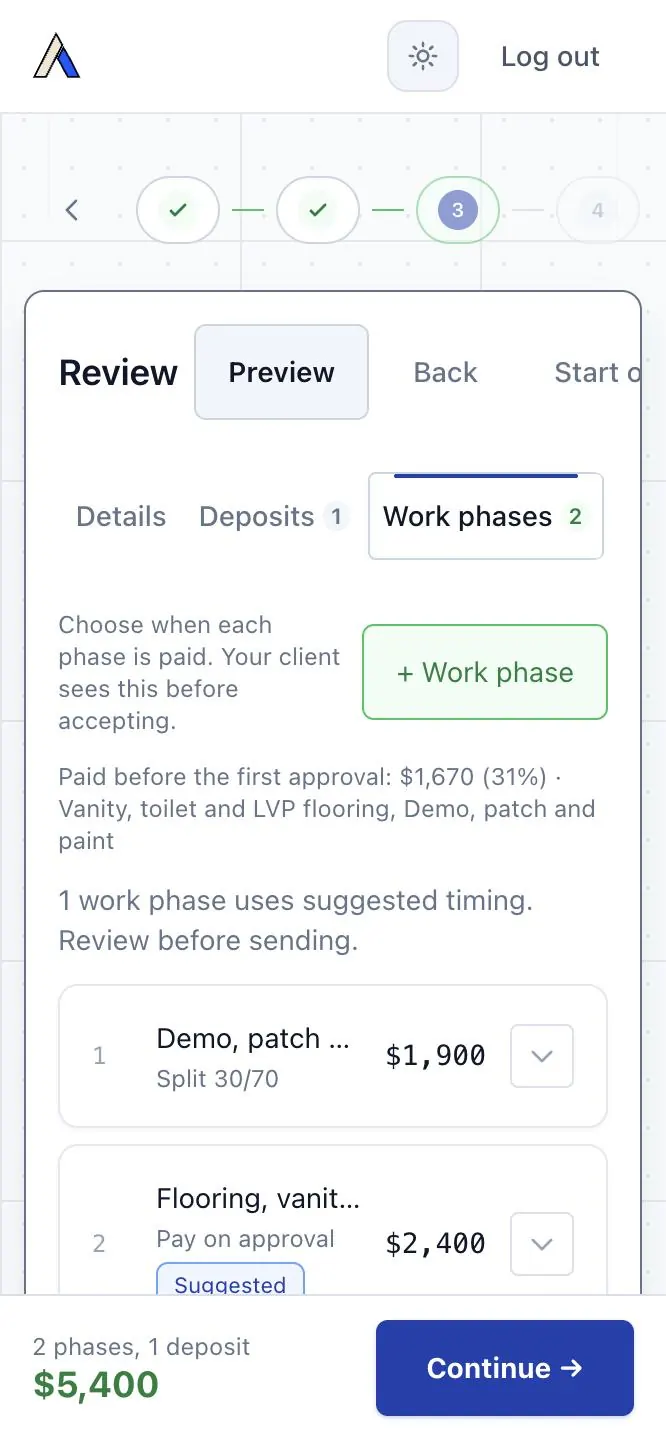
Start a phase. What is due at the start is collected first.
When a payment is due at the start, a Credit Card payment has to go through, or a Bank Transfer has to clear, before that phase begins.
You choose the timing for each phase: paid at the start, part at the start, or when your client approves the finished work.

Your phone Example job
-
Step 5
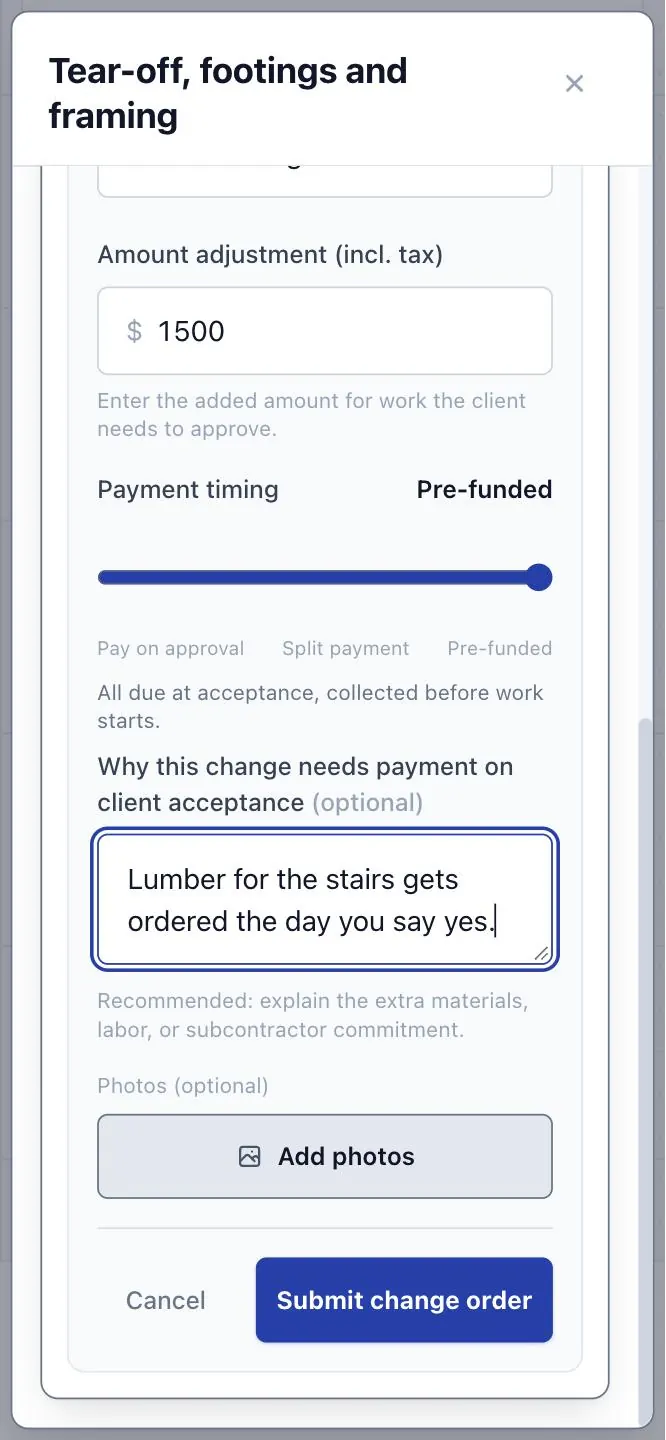
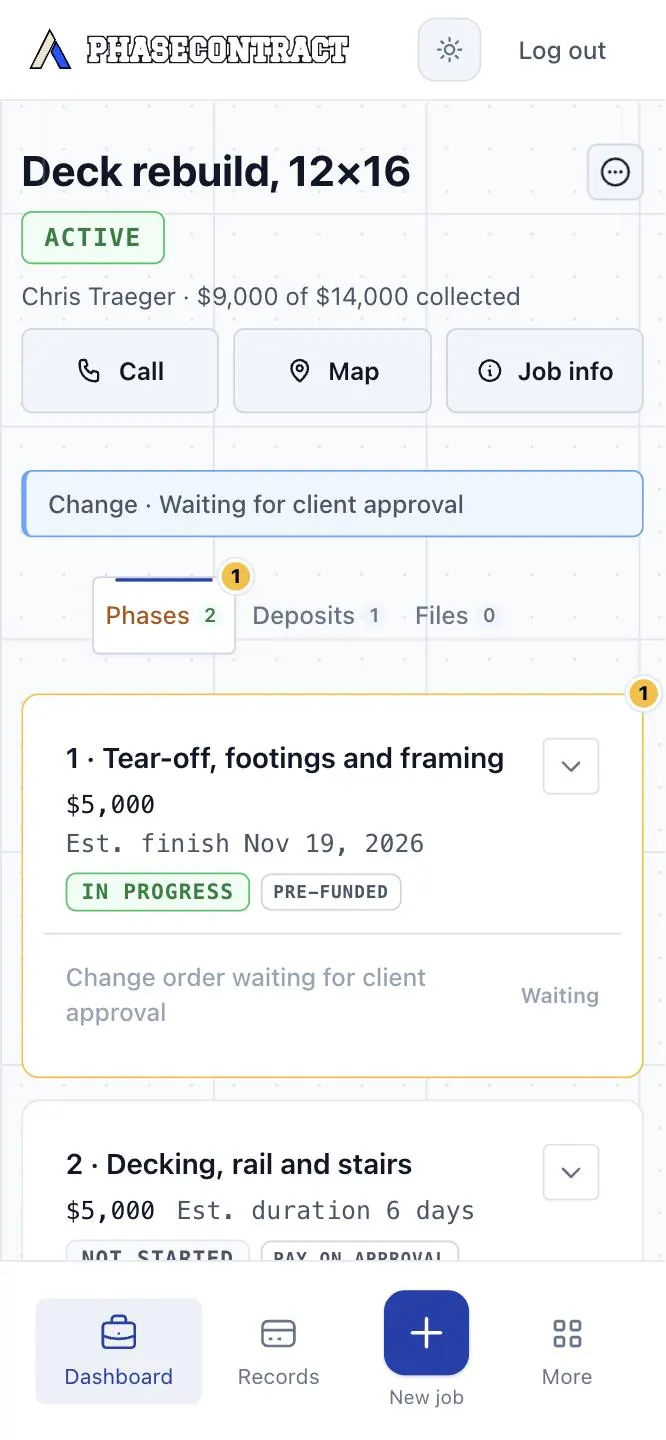
An extra gets a price before you build it.
“While you’re here” turns into a yes or a no. Your client approves it on their phone, then you do the work.

Your phone Example job
-
Step 6
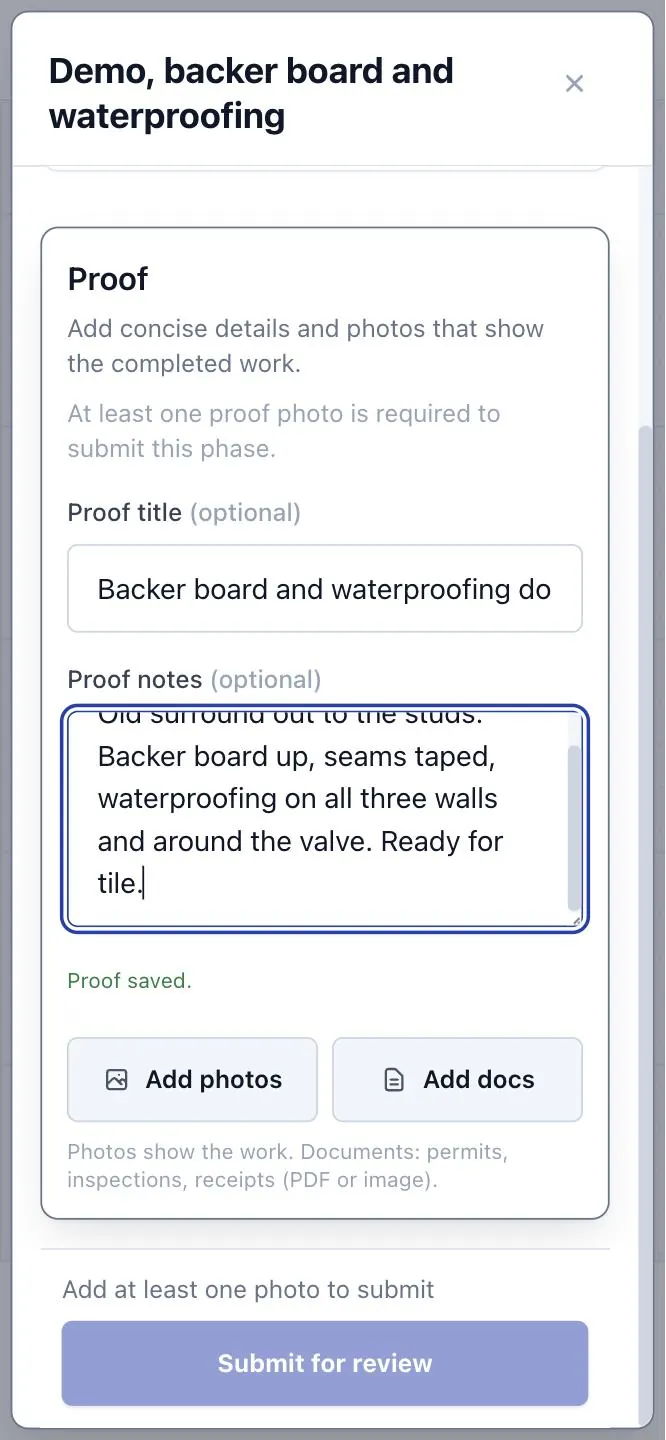
Show the finished work.
A few photos and a note. Your client gets 72 hours to check it, and can ask for a fix inside the agreed work up to three times.

Your phone Example job
-
Step 7
Your client checks the phase. The job keeps the record.
Every payment stays with the work it paid for, so the job is its own receipt trail.
A payment due on approval is collected from your client’s saved payment method.

Your client’s phone Example job


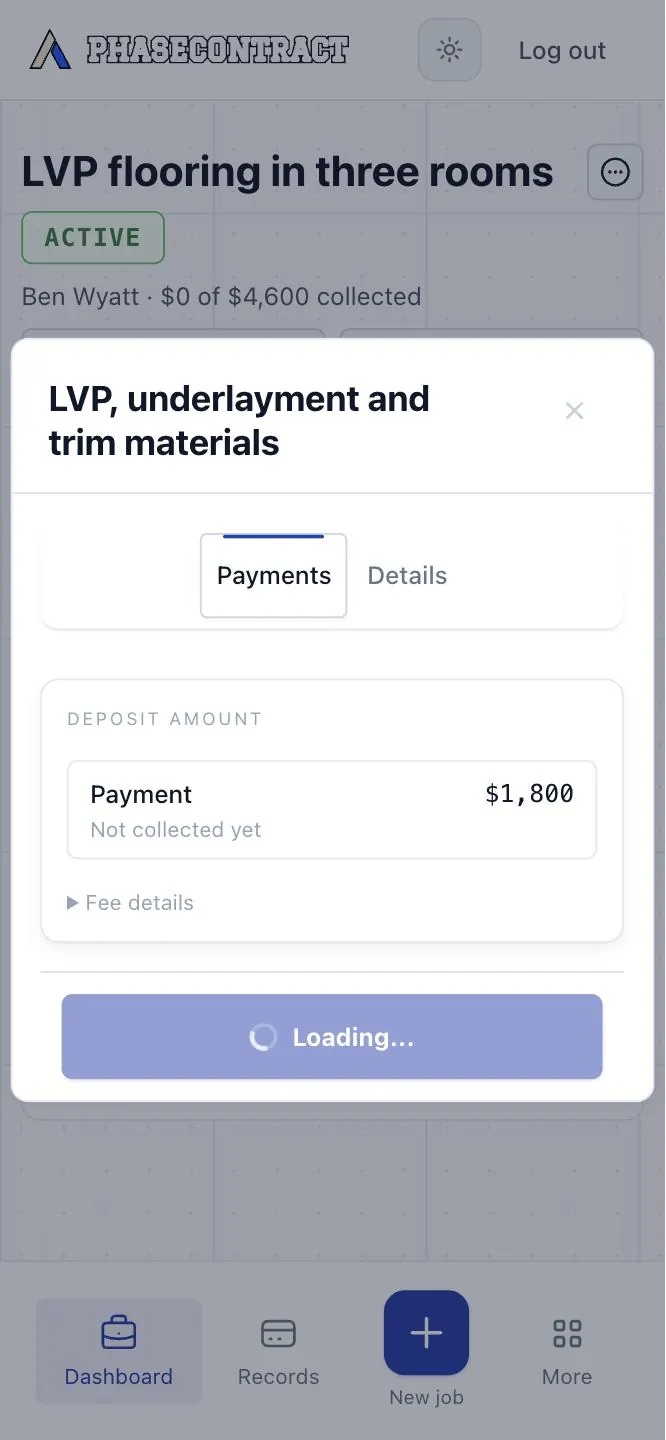
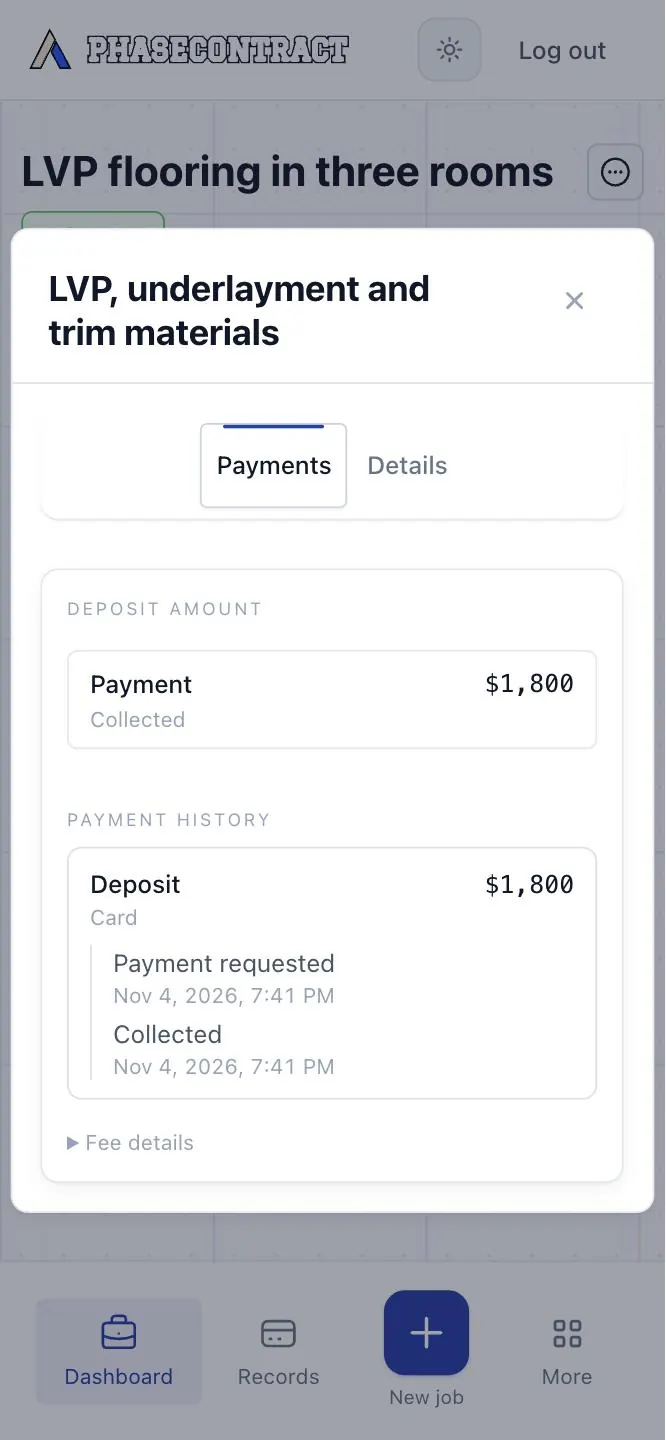

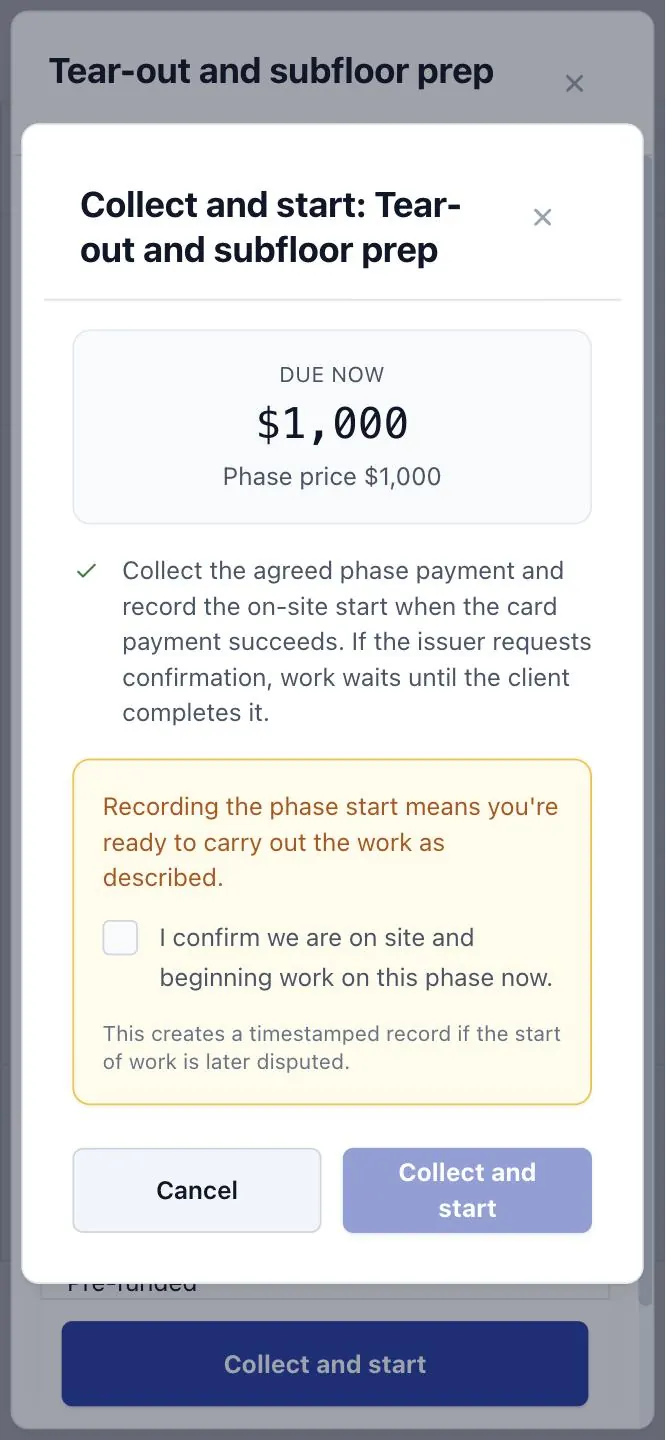
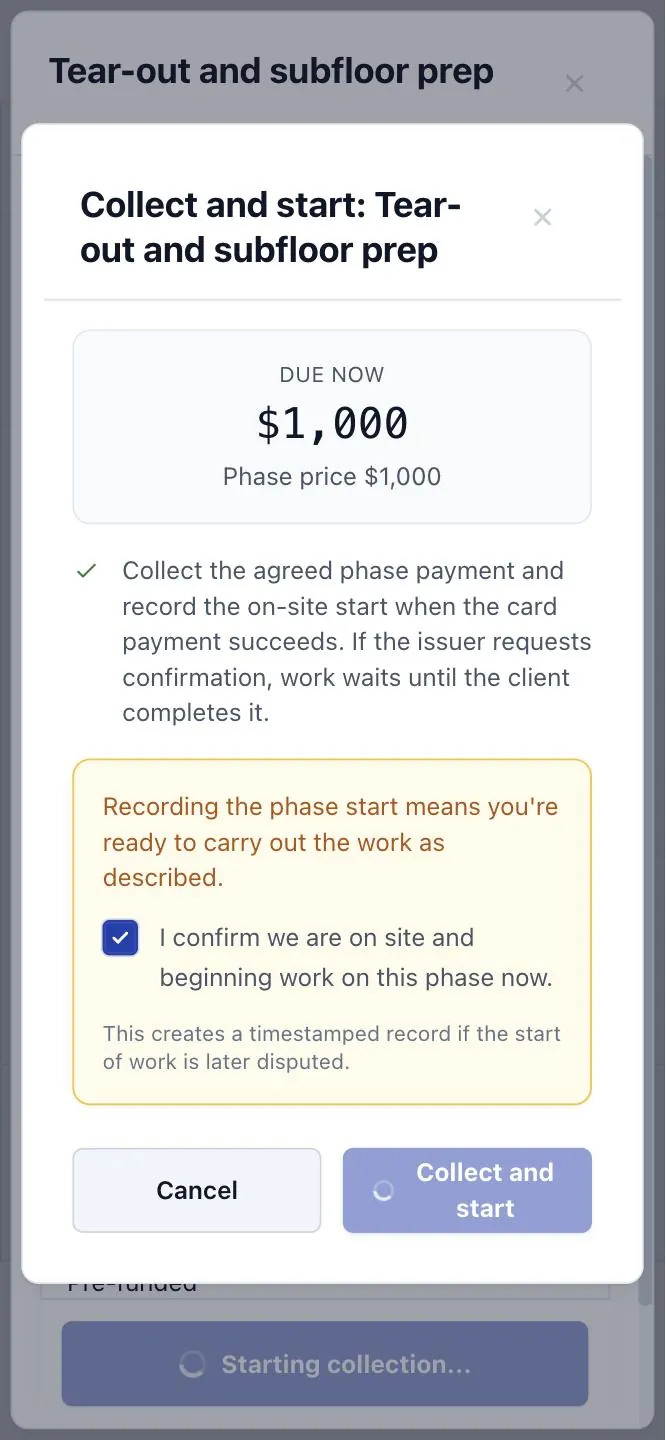

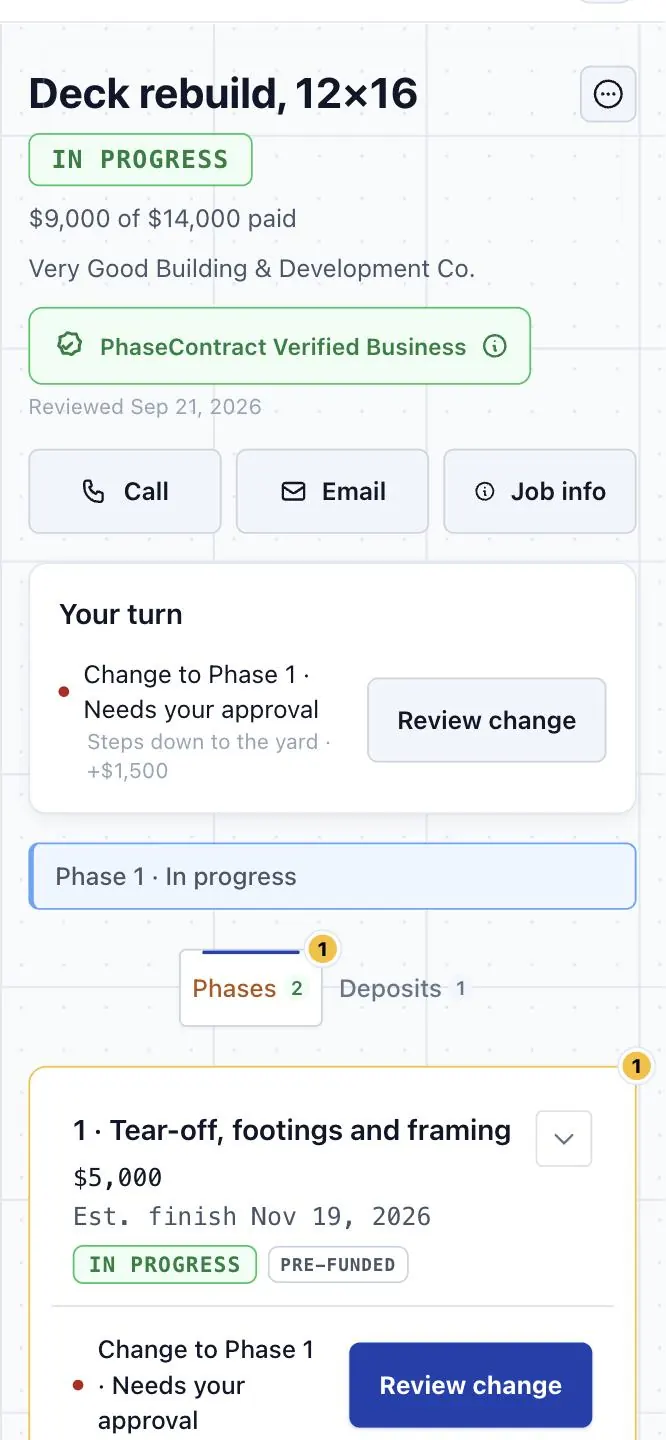
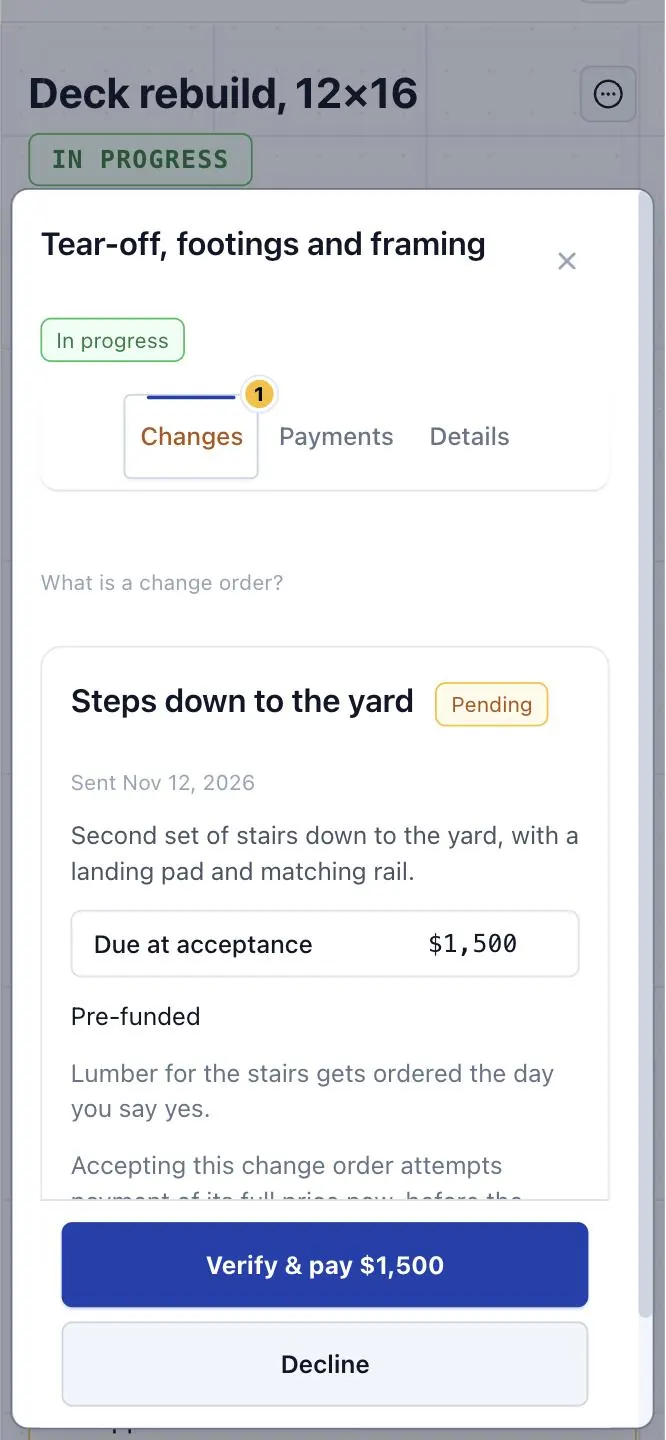
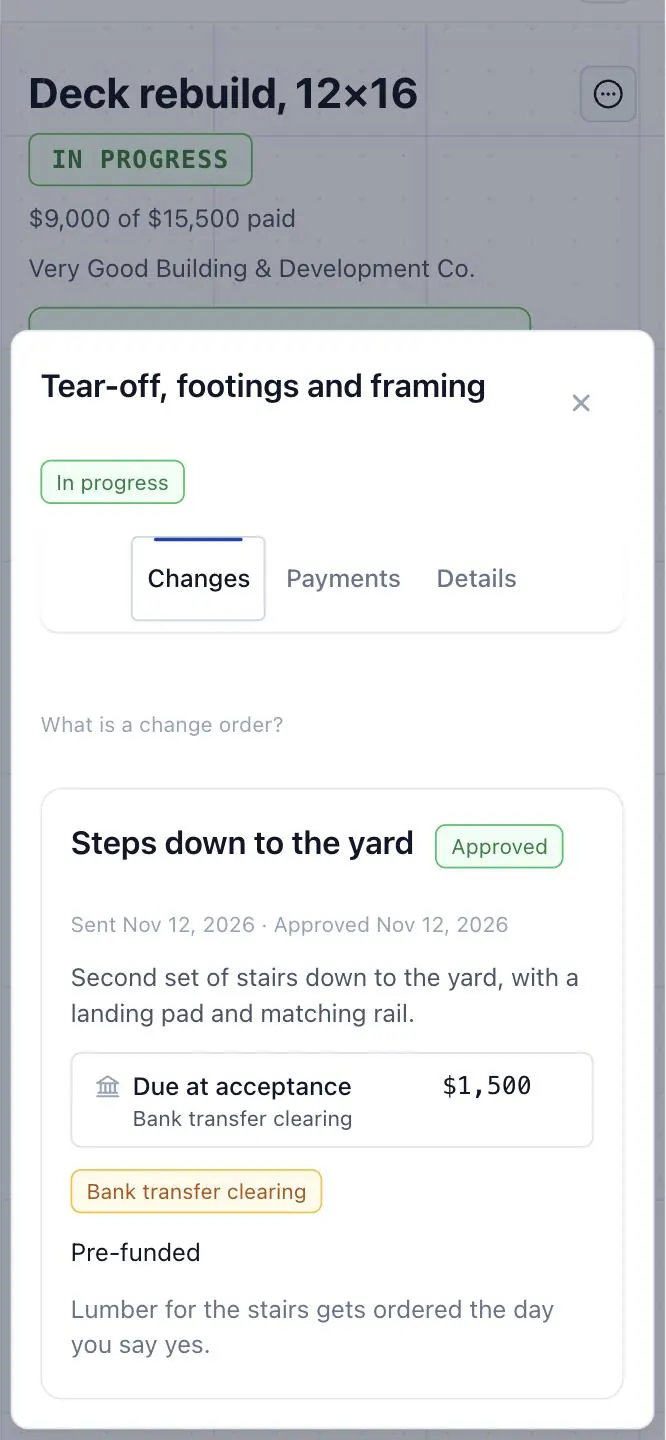


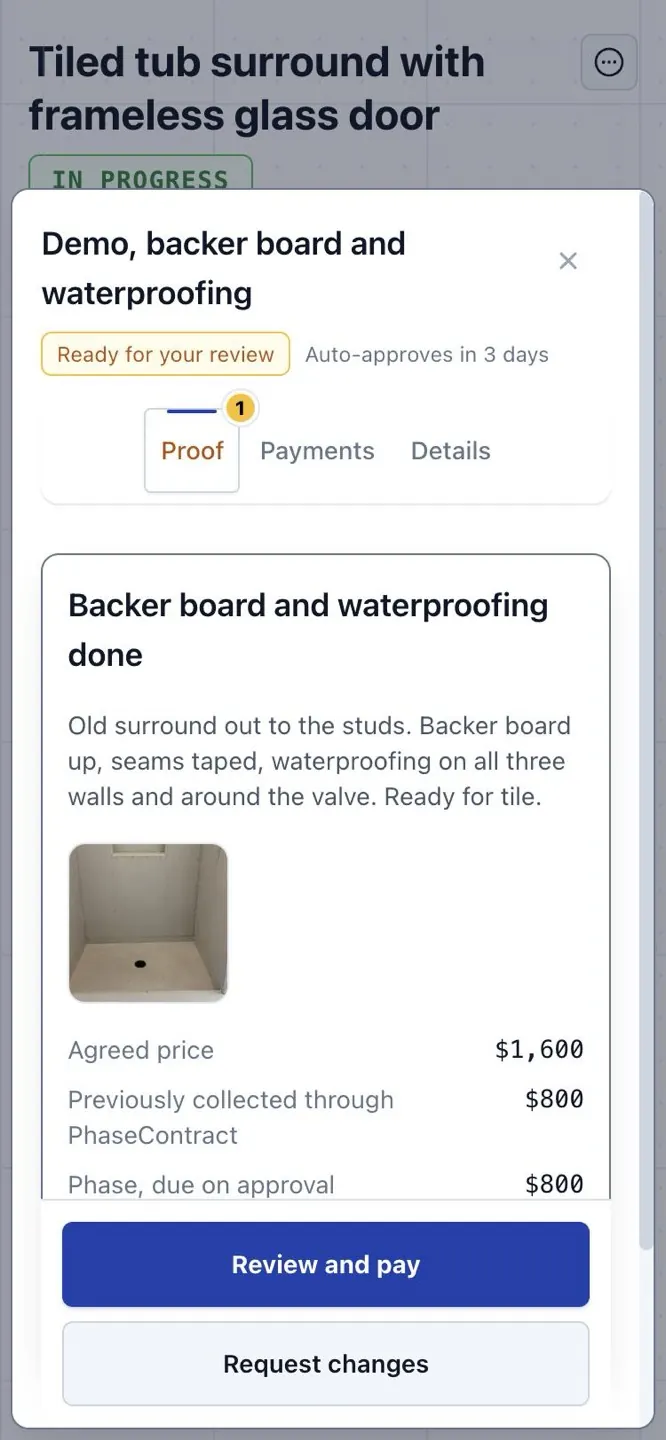
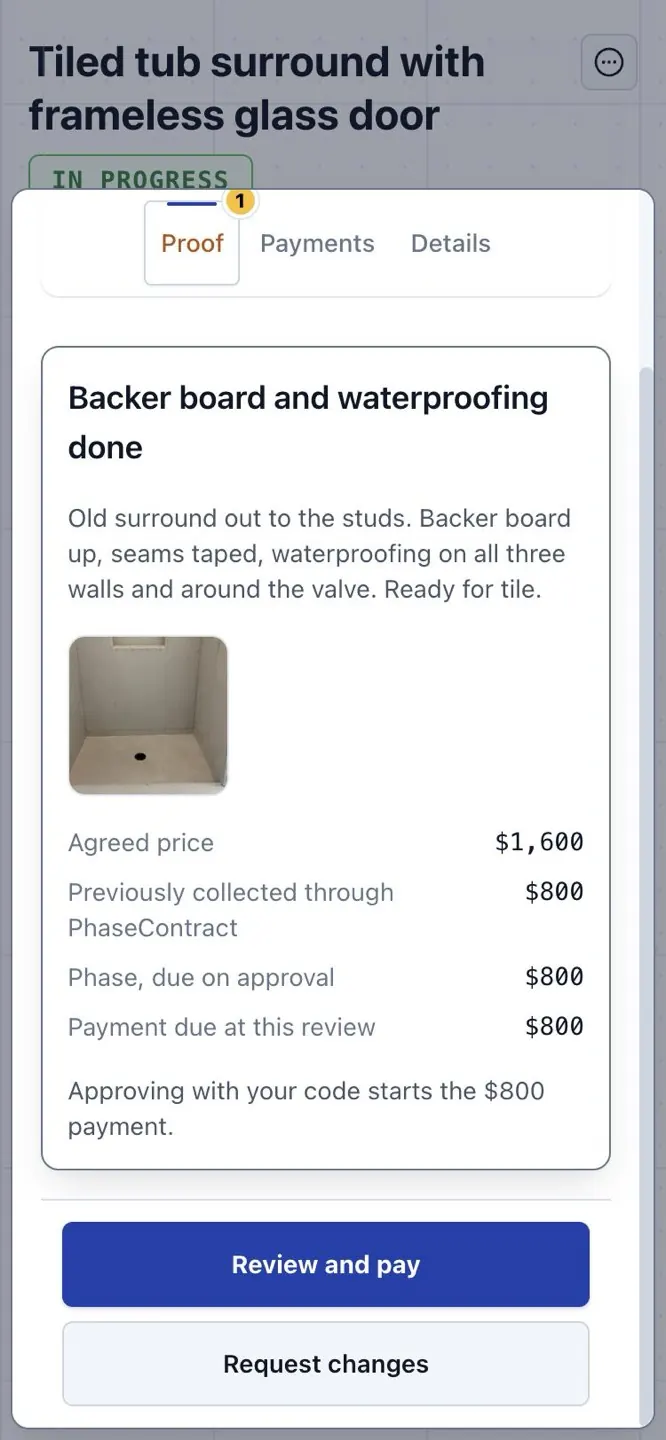
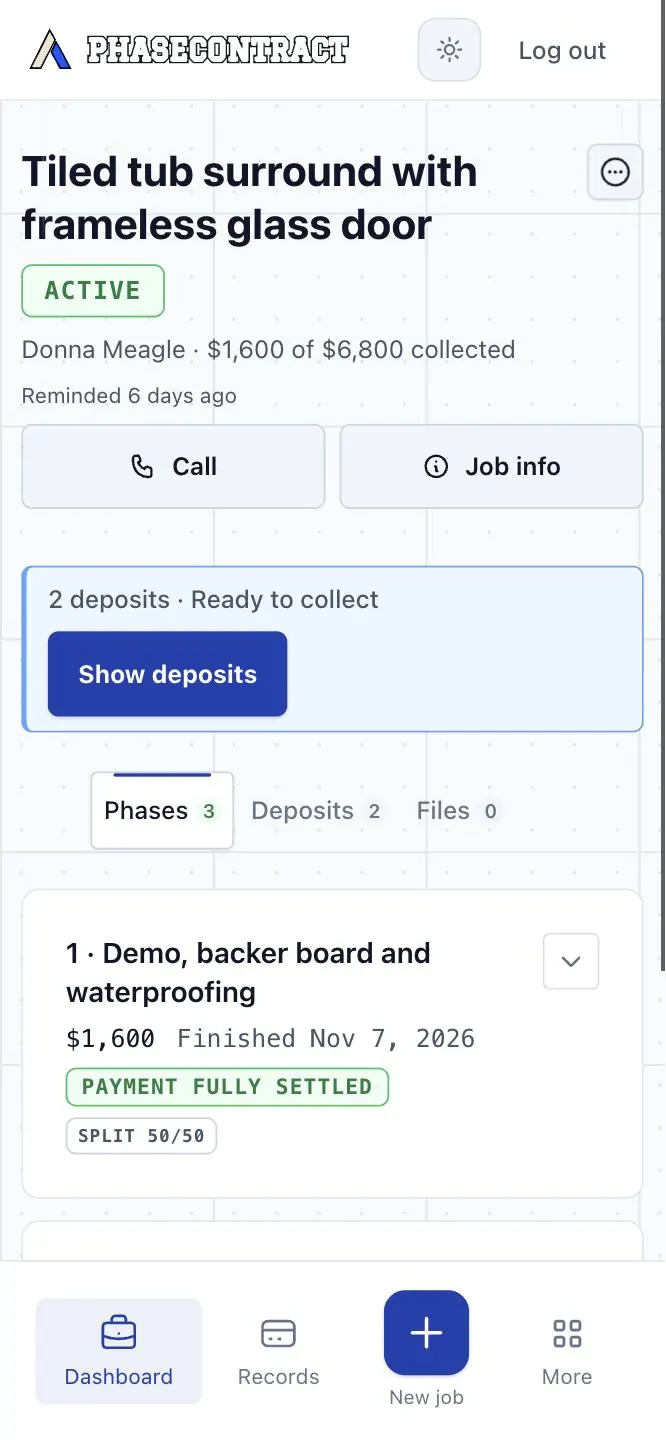

A payment can still need your client to confirm it, or fail. The job page shows you which.
How collection and review work
- Pre-funded and split work starts once the Credit Card payment succeeds or the Bank Transfer clears.
- Pay-on-approval payments and the part of a Split payment due on approval are collected when your client approves the finished work, or after a 72-hour review with no objection.
- Your client can ask for up to three in-scope fixes. Approving the work and collecting the payment are separate steps.
- A payment can need your client to confirm it, or can fail. You carry any part that isn’t collected yet.
- Payments collect into your own Stripe account, and Stripe pays out to your bank on its usual schedule.
Before you try it.
A few practical questions about fit, payments and getting started.
Questions about your setup? Contact usPay on approval is the default, so most of a job can still be paid after they check it. Where you need money first, add a one-line reason. They see the whole job, every amount and when each is due before they approve anything.
Yes. You choose it for each work phase and each change order.
For the payments on a job. Your client approves the work, the price of each part and the payment method once, at the start. When a payment is due, you tap Collect. There is no invoice to write or send. Your client has one link that shows what is done, what is paid and what is next, so they look there before they call you. Keep your estimating and accounting tools as they are.
Yes, when the job has a fixed price and you agree the payments with your client yourself. A small job can be one phase with no deposit. Any plan works for any size of job. It fits less well for open-ended hourly work, or when a lender, an insurer or another contractor controls the payments.
Yes. Pay on approval is the default: your client checks the finished phase, then pays. Split payment is the middle way: one part is collected before you start, the rest when your client approves the work. If they say nothing for 72 hours after you submit it, the app tries that payment then. Pre-funded collects the whole phase first. Each change order gets its own choice. Until a payment goes through, you carry that work.
No. The client approves the full schedule and payment method once. Later, you click Collect when each deposit is due—without sending a new invoice or asking for approval again.
No. Your client opens a link in their browser. They approve the job and the payment method there, and come back to the same link to follow the work and check it.
The foreman you assign runs that job from the site: they start the phases you’ve agreed, add photos and submit finished work. They don’t see prices or payment amounts, and a change they propose comes to you before it reaches your client. Company settings stay with you.
Yes. Solo has no monthly subscription. Crew and Company have one, and a lower PhaseContract fee on each payment. The pricing page shows which costs less for what you collect in a year.
Collecting a payment and getting it in your bank are two steps. Money due before a phase starts has to go through first: a Credit Card payment right away, a Bank Transfer once it clears. Money due on approval is tried when your client approves the work, or after 72 hours without a reply. After that, Stripe pays out to your bank on its own schedule.